When People Say "Colored Tabs," This Is What They Usually Mean
Most people are not looking to decorate their browser.
They are trying to:
- stop clicking the wrong tab
- find what they need faster
- reduce the mental strain of juggling dozens of identical-looking tabs
"Tab color" is shorthand for visual recognition, not aesthetics.
How Your Brain Actually Finds Tabs
When you scan a crowded tab bar, your brain does not start by reading text.
It looks for:
- Position
- Shape
- Color
Only after that does it read words.
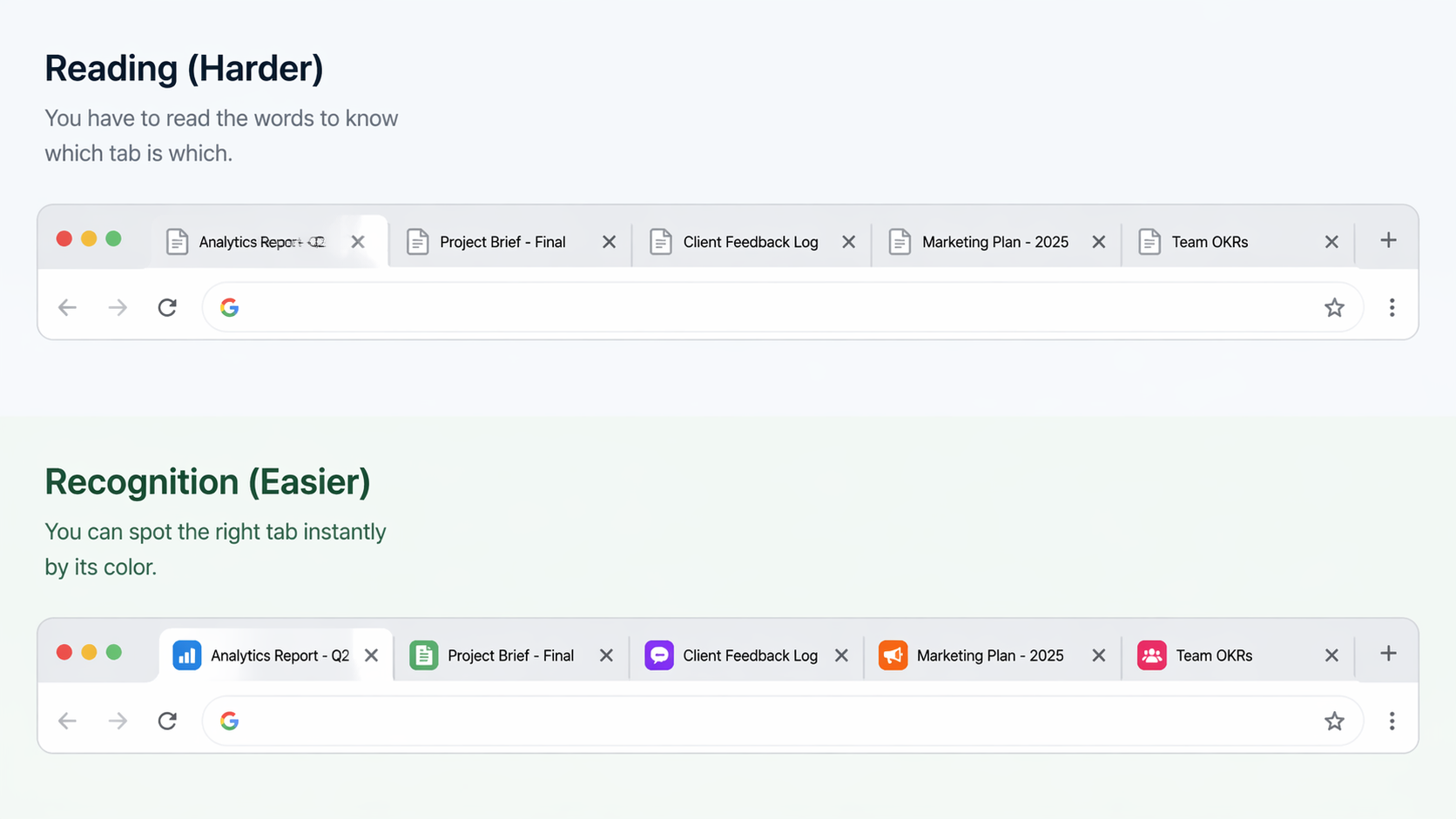
That is why tabs with identical icons feel exhausting. Every decision becomes a reading task instead of a visual one.
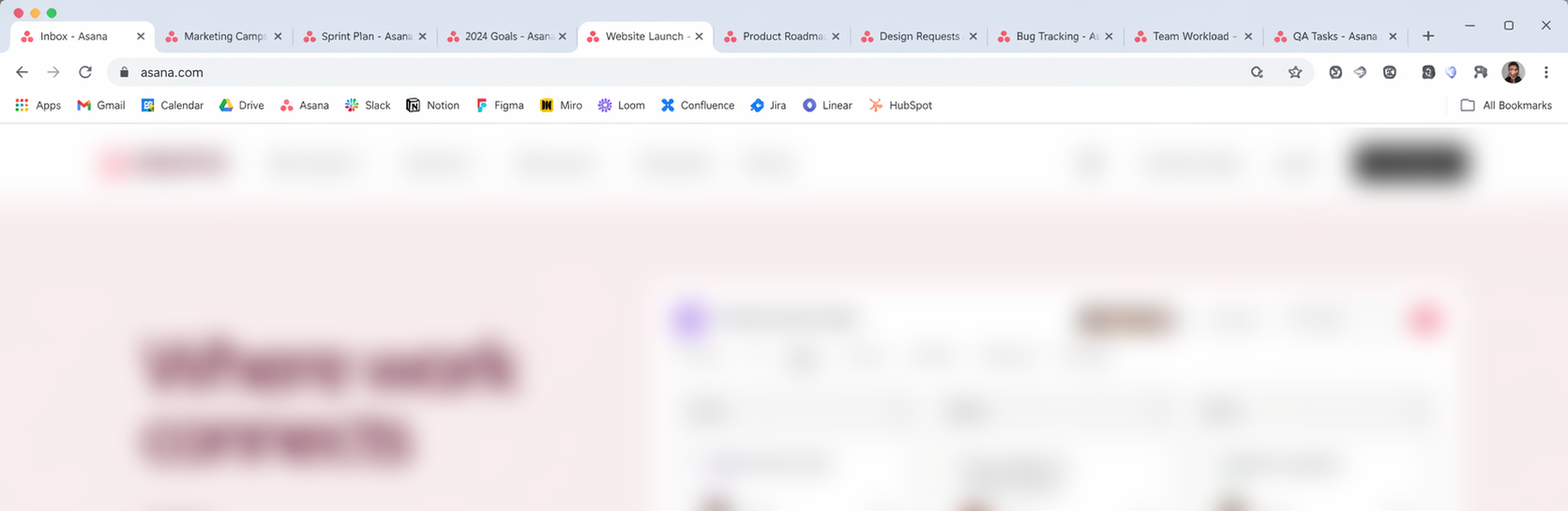
The fastest signal your brain can use in a tab bar is the favicon, the small icon on the left side of each tab.
Why Favicon Color Does the Heavy Lifting
The favicon sits directly in your visual scan path.
Coloring it creates:
- instant grouping
- faster recognition
- fewer mis-clicks
- less cognitive load when switching tasks
You do not need the entire tab background to be colored for this to work. Once the favicon is visually distinct, your brain already has what it needs.
That is why favicon color scales well, even with a lot of tabs open.
This Is Not About Styling, It Is About Speed
Full tab backgrounds look appealing in theory, but they do not solve the core problem for heavy tab users.
What matters is:
- Can you tell tabs apart instantly?
- Can you switch context without slowing down?
- Can your eyes do the work instead of your brain?
Favicon color answers yes to all three.
So What Does This Extension Do?
Tab Colorizer Pro assigns consistent colors to favicons so your tabs become visually indexable instead of text-heavy.
Think of it like color-coding folders, but for the part of the tab your eye already trusts.
The goal is not visual flair.
It is clarity.
Why It Is Still Called "Tab Colorizer"
The name reflects the outcome, not the mechanism.
Tabs become color-differentiated in practice, not by painting the entire UI, but by enhancing the visual signal your brain actually uses to tell tabs apart.
That approach keeps things:
- lightweight
- fast
- compatible with how Chrome works today
Is This the Right Tool for You?
This is a good fit if you:
- keep many tabs open
- lose time mis-clicking similar tabs
- prefer visual systems over rigid rules
- want less friction, not more UI
If you are looking for decorative browser themes or cosmetic tab styling, this probably is not it.
If you want your tabs to feel easier to manage, it is exactly what it is built for.
The Bottom Line
"Tab color" is not about painting the browser.
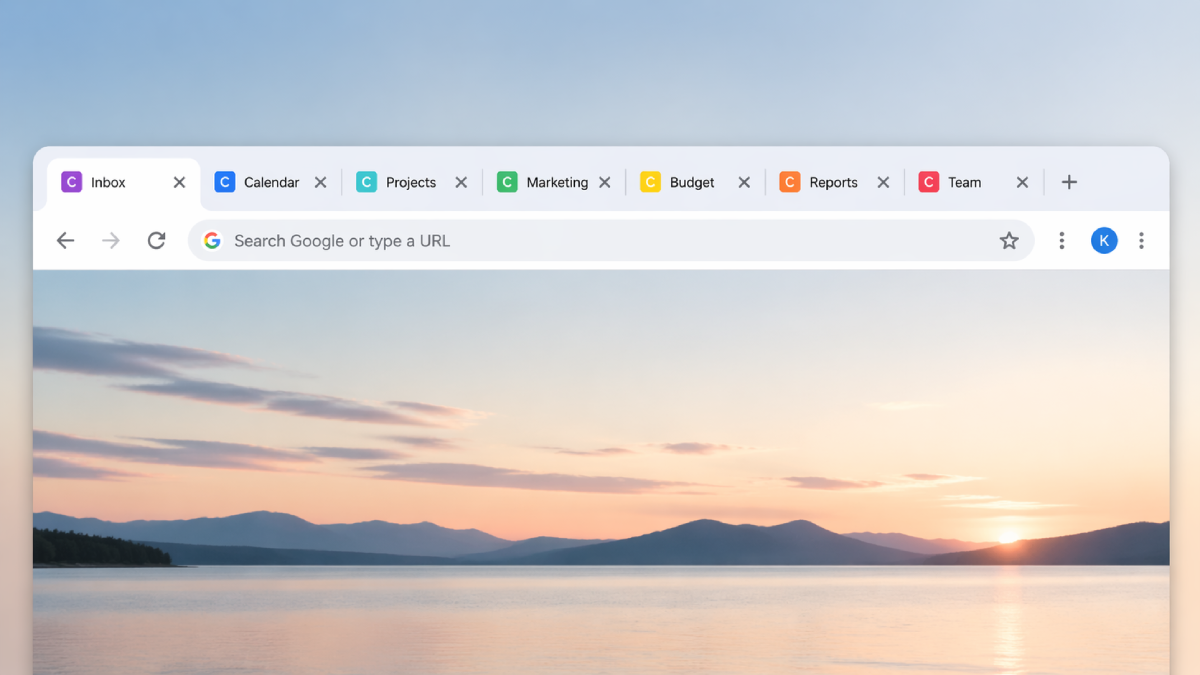
It is about giving your brain faster signals, so it can stop working so hard just to find the right tab.
If you want to compare approaches first, see tab groups vs tab coloring, then try the interactive demo, review pricing options, or check the FAQ.